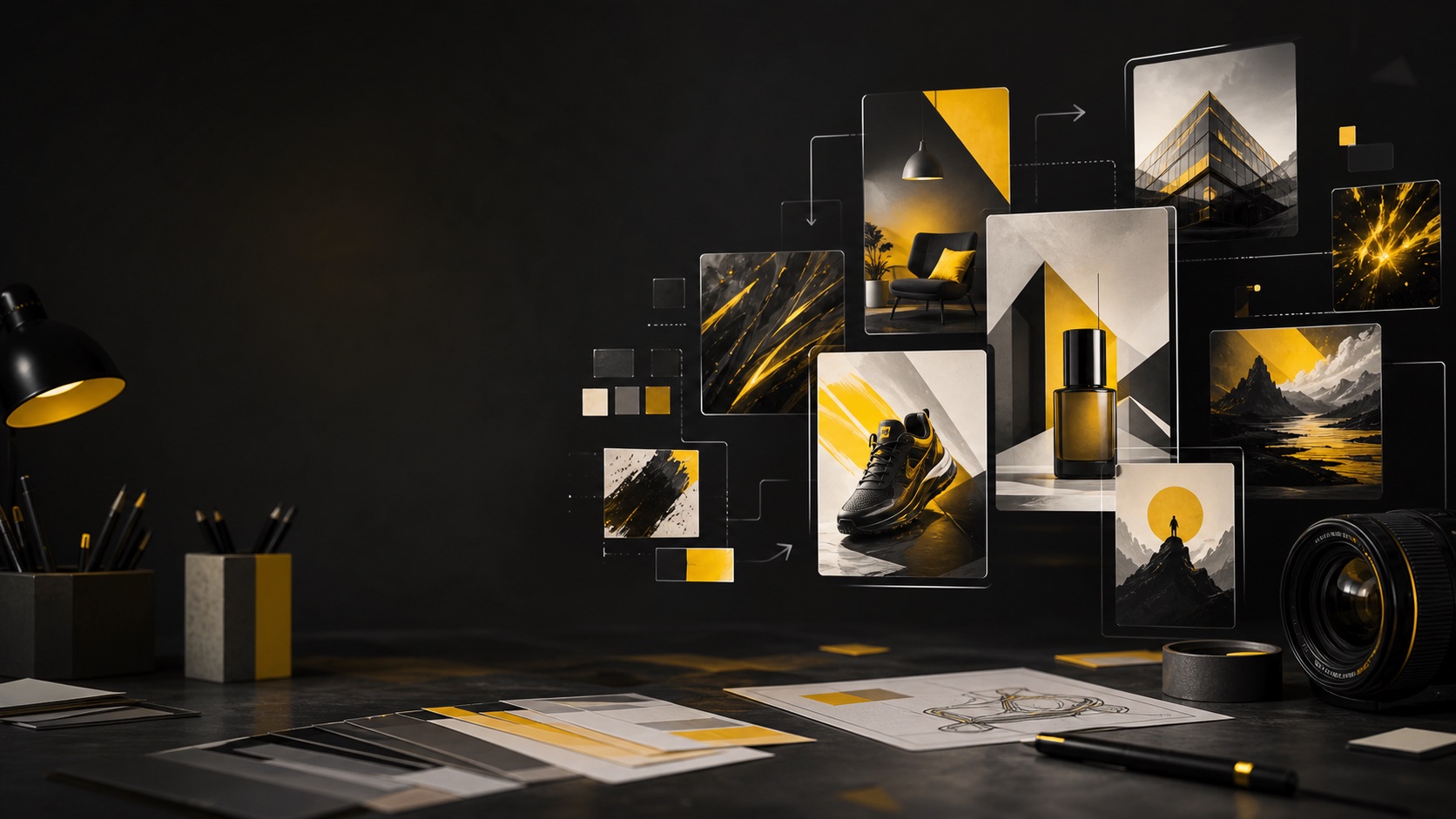
Nano Banana Prompts for Creator-Ready Images

A practical prompt guide for clean image generation, controlled edits, and reusable creative patterns. Try Banana AI is independently operated and uses supported third-party models and presets under the hood.

No official model-provider affiliation is implied. Use these patterns as safe creator workflows, not as unsafe workarounds.

Image Generator

Test a Nano Banana prompt

Write the prompt first. Sign-in is only required before generation, saved history, or credit spend.

0 / 2000

Try a prompt:

Use Nano Banana prompts as a workflow, not a magic phrase

People search for nano banana prompts because they want examples they can copy, adapt, and test quickly. The useful version is not a random list of impressive wording. A good prompt gives the model a job: what to create, what must stay stable, which visual constraints matter, and how the result will be used. Try Banana AI treats a prompt as the first step of a creator workflow. You can start with text-to-image when you need fresh concepts, then move to image-to-image when you have a reference or a good draft that needs targeted edits. That matters because most production work is not one lucky render. It is a loop: write, generate, compare, preserve what works, and change one thing at a time. This page focuses on safe, reusable prompt structures. The examples avoid adult or explicit requests, identity deception, unauthorized public-figure imitation, trademark-style overclaims, and unsafe attempts to work around platform rules. They are designed for product visuals, posters, thumbnails, character concepts, wallpapers, brand-safe social assets, and reference-based edits.

Start with a real output task

Name the asset you want: product shot, poster draft, thumbnail concept, wallpaper, character sheet, or controlled image edit. This keeps the prompt from drifting into generic art direction.

Control one variable per pass

Keep subject, aspect ratio, and core composition stable while changing one creative variable such as lighting, background, palette, camera angle, or texture.

Use references when layout matters

If you already have a usable draft or source image, switch to image-to-image and describe what to keep and what to change. This reduces full rerolls.

Stay inside safe creator boundaries

Avoid prompts that request explicit content, impersonation, protected brand imitation, or safety-rule evasion. Brand-safe prompts are easier to reuse in real work.

The prompt formula that works across patterns

Use this simple formula before trying the examples: output format + subject + scene + composition + lighting + style constraints + aspect ratio + negative guardrails.

Output format

Say whether you need a product photo, poster concept, thumbnail, character concept, editorial image, wallpaper, or reference edit.

Subject and scene

Describe the main subject and the environment in normal language. Avoid keyword soup and avoid conflicting style cues.

Composition

Mention framing, negative space, camera angle, crop, and where text or important objects should sit.

Lighting and palette

Give the model a clear mood: soft studio lighting, cinematic rim light, warm morning light, limited palette, muted tones, or high contrast.

Constraints

Add only constraints that change the outcome: readable short text, clean background, stable identity, realistic materials, or no extra logos.

Iteration note

When editing, state what must remain unchanged. Keep product shape, subject pose, camera angle, or layout while changing the requested detail.

Prompt Library

12 safe Nano Banana prompt patterns

Use these patterns as starting points. Replace the bracketed details, then test one change at a time in Try Banana AI.

Pattern 1

Clean product hero shot

For store banners, product pages, and paid social drafts where the product must stay clear.

Clean studio product photo of [product], centered on [surface], soft diffused light from the left, subtle grounded shadow, realistic material texture, uncluttered background, premium commercial photography, 1:1 aspect ratio, no extra logos or unreadable labels.

It defines the asset type, subject, surface, light direction, material expectation, and brand-safety boundary.

Adapt with

  • - surface: marble, wood, matte acrylic
  • - lighting: morning, softbox, window light
  • - aspect ratio: 1:1, 4:5, 16:9
Pattern 2

Lifestyle product scene

For contextual product visuals where the item needs a believable environment.

Lifestyle image of [product] used by an original everyday person in [setting], natural pose, product clearly visible, warm documentary lighting, shallow depth of field, realistic colors, calm commercial mood, no public-figure resemblance, no brand imitation, 4:5 aspect ratio.

It asks for a realistic use context while avoiding public-figure or trademark-style claims.

Adapt with

  • - setting: kitchen, desk, gym bag, travel table
  • - mood: cozy, premium, minimal, energetic
  • - product visibility: front label, texture, scale
Pattern 3

Poster layout with readable text area

For event posters, launch cards, and campaign key visuals that need room for typography.

Editorial poster concept for [event/topic], bold visual metaphor featuring [main subject], large clean negative space at the top for a short headline, geometric layout, high contrast lighting, limited palette of [colors], print-inspired composition, 4:5 aspect ratio, no random text.

It separates visual generation from final typography and asks for a clear layout zone.

Adapt with

  • - headline area: top, left, center
  • - palette: orange/teal, black/cream, blue/lime
  • - mood: serious, playful, cinematic
Pattern 4

YouTube thumbnail concept

For thumbnail drafts where the focal point and contrast matter more than fine detail.

YouTube thumbnail concept about [topic], one strong original subject in the foreground, expressive but natural pose, simplified background, high contrast color blocks, clear empty area for 3 to 5 words of text, dramatic rim light, sharp focus, 16:9 aspect ratio.

It makes the thumbnail readable at small sizes and avoids asking the model to invent long text.

Adapt with

  • - foreground subject: object, creator silhouette, interface mockup
  • - emotion: curious, urgent, calm
  • - text area: left third, right third
Pattern 5

Original character concept

For avatars, mascots, game characters, and story concepts without copying protected characters.

Original character concept of [character role], three-quarter view, consistent outfit silhouette, distinctive but simple color palette, expressive face, clean background, soft studio lighting, concept art sheet feel, no copyrighted character imitation, no real-person resemblance.

It asks for originality, stable design anchors, and safe identity boundaries.

Adapt with

  • - role: courier, botanist, space mechanic, cafe owner
  • - palette: two main colors plus accent
  • - style: polished concept art, soft 3D, editorial illustration
Pattern 6

Consistent character variation

For making a second scene from an original character draft while keeping identity cues.

Using the same original character design cues: [hair/clothing/colors/accessory], create a new scene in [environment]. Keep the face shape, outfit silhouette, and palette consistent. Change only the pose and background mood. Clean composition, soft light, no extra characters.

It tells the model which identity cues matter and limits the edit scope.

Adapt with

  • - environment: city balcony, studio desk, forest path
  • - pose: walking, reading, presenting
  • - mood: calm, bright, mysterious
Pattern 7

Reference-image product edit

For image-to-image edits where you want to keep the product but change the scene.

Use the reference image as the source. Keep the product shape, camera angle, and key label placement unchanged. Replace the background with [new setting], improve lighting to [lighting style], keep materials realistic, preserve readable details, no added logos, no extra products.

It gives a clear keep/change instruction, which is the heart of controlled edits.

Adapt with

  • - setting: clean studio, outdoor table, holiday shelf
  • - lighting: softbox, golden hour, cool tech glow
  • - constraints: keep crop, keep color, keep label
Pattern 8

Social ad creative

For safe ad-style visuals without pretending to produce a full campaign system.

Social ad visual for [product or offer], main subject on the right, clean benefit-focused scene on the left, modern commercial lighting, strong but not cluttered contrast, space for short copy and callout badge, realistic textures, brand-safe generic design, 4:5 aspect ratio.

It creates an ad-ready composition while leaving final copy and compliance review to the creator.

Adapt with

  • - layout: subject right, centered, diagonal split
  • - benefit scene: speed, comfort, durability
  • - platform crop: 1:1, 4:5, 9:16
Pattern 9

App or SaaS hero visual

For web hero backgrounds and launch visuals that should feel modern but not like fake UI proof.

Modern SaaS hero visual for [product category], abstract interface-inspired shapes, soft depth, clean workspace atmosphere, no fake readable dashboard claims, no specific third-party logos, balanced negative space for headline, crisp lighting, 16:9 aspect ratio.

It avoids fabricated UI evidence while still creating a useful hero-style visual.

Adapt with

  • - category: analytics, writing, planning, finance
  • - shape language: cards, flowing panels, subtle grids
  • - mood: calm, precise, energetic
Pattern 10

Editorial concept image

For blog covers, newsletter cards, and explainer images.

Editorial illustration for an article about [idea], visual metaphor using [object or scene], clean composition, restrained palette, thoughtful lighting, magazine cover quality, no text, no real-person likeness, enough negative space for a headline overlay, 16:9 aspect ratio.

It focuses on concept and composition while keeping text and identity risks out of the image.

Adapt with

  • - metaphor: bridge, compass, stacked papers, glowing map
  • - palette: muted green, deep blue, warm neutral
  • - space: top, center, left
Pattern 11

Wallpaper or background

For phone, desktop, and social backgrounds where clarity and mood are more important than complex subjects.

High-quality wallpaper background inspired by [mood/theme], layered depth, soft gradients from real lighting, subtle texture, no text, no logos, no faces, clean focal flow, suitable for icons and widgets, [aspect ratio].

It keeps the image usable as a background and avoids busy details that fight the interface.

Adapt with

  • - theme: sunrise glass, quiet forest, neon rain, paper craft
  • - aspect ratio: 9:16, 16:9, 1:1
  • - texture: film grain, soft paper, polished glass
Pattern 12

Before-after edit instruction

For refining a draft without losing the part that already works.

Edit the current draft. Keep [elements to preserve] exactly as they are. Improve [specific issue] by changing [one variable]. Do not change the camera angle, main subject, or overall layout. Make the result cleaner, more realistic, and ready for [use case].

It prevents over-editing by separating preserved elements from the single change request.

Adapt with

  • - preserve: subject, crop, palette, pose
  • - issue: messy background, weak lighting, low contrast
  • - use case: product page, poster, thumbnail, wallpaper
Before / After

Turn vague prompts into useful instructions

The best Nano Banana prompts are specific without becoming overloaded. These rewrites show how to add control while keeping the task clear.

From style wish to production task

Weak version

Make a cool product image.

Better version

Clean studio product photo of a matte black travel mug on a light stone surface, soft diffused light, subtle shadow, centered composition, realistic ceramic texture, no extra logos, 1:1.

The improved version names the output, subject, surface, lighting, composition, texture, and boundary.

From generic poster to layout-aware poster

Weak version

Create a poster for an AI event with text.

Better version

Editorial poster concept for an AI creator meetup, abstract glowing workspace object, large empty top area for a short headline, orange and deep blue palette, high contrast, no random text, 4:5.

It reserves room for typography instead of asking the model to invent long text.

From broad edit to controlled edit

Weak version

Make this product photo better.

Better version

Use the reference image. Keep the product shape, crop, and label placement unchanged. Replace the background with a clean warm kitchen counter, improve the light to soft morning window light, keep materials realistic.

It separates what to keep from what to change, which is essential for image-to-image work.

Safe boundaries for reusable prompt work

A prompt library is only useful if the examples can be reused in real projects. Keep the prompt focused on original assets, lawful use, and human review. Do not ask for explicit content, impersonation, protected brand imitation, or ways around safety systems. If a result is meant for ads, marketplaces, clients, or public posts, review it before publishing.

Use original subjects

Ask for original people, characters, mascots, or product scenes. Do not request a real person, public figure, or private individual likeness without rights.

Avoid trademark overclaims

Describe visual qualities such as premium, minimal, playful, or cinematic. Do not claim official affiliation or ask for protected brand style copying.

Keep commercial review

AI output still needs human review for product accuracy, claims, legal fit, policy compliance, and sensitive contexts.

Rewrite unsafe requests

If a request is blocked or unsafe, rewrite the creative goal into a safe alternative instead of trying to evade safety limits.

Workflow

How to test Nano Banana prompts in Try Banana AI

Use a small controlled loop so each generation teaches you something useful.

1

Pick one pattern

Choose the pattern that matches your asset: product image, poster, thumbnail, character, wallpaper, or reference edit. Replace the bracketed details with your own subject and scene.

2

Generate a low-risk draft

Start with the normal image generator and a practical preset. Keep the prompt stable for the first run so you can judge the baseline before changing anything.

3

Change one variable

Adjust only one clause at a time: lighting, background, color palette, crop, or subject pose. This makes differences easier to understand and reduces wasted credits.

4

Refine with image-to-image

When the composition is close, use image-to-image. Tell the editor what to keep and what to change, then save the final prompt as your reusable template.

Pricing

Start with a subscription or buy credits when you need them.

Sign in first, pay afterCheckout only starts after your account is ready.
Secure Creem checkoutPayment opens on the provider checkout page after sign-in.
Plans or top-upsChoose monthly credits or a one-time pack when a draft needs more.
Credit packs last 90 daysTop-ups stay available for image and video generation.

Starter

$19.90 / month
For light usage and trying things out.

Includes

  • 1,000 credits / month
  • Advanced image + video models
  • Image + Video generation
  • Standard support
Most Popular

Creator

$39.90 / month
Best for creators who generate every day.

Includes

  • 2,500 credits / month
  • Advanced image + video models
  • Image + Video generation
  • Priority support

Agency

$99.90 / month
For teams and heavy usage.

Includes

  • 7,500 credits / month
  • Advanced image + video models
  • Image + Video generation
  • Team-friendly usage

Nano Banana Prompts FAQ

Answers about safe prompt writing, image generation, references, credits, and reusable templates.


Turn one safe prompt into a reusable workflow

Pick a pattern, test it in the generator, then refine the best draft with image-to-image when you need control.