AI Product Image Generator for Cleaner Product Visuals
Upload a product reference, describe the background or scene you want, and create product-style image variants for ads, store banners, social posts, and campaign drafts. Try Banana AI focuses on controlled product visuals, not overpromised marketplace automation.
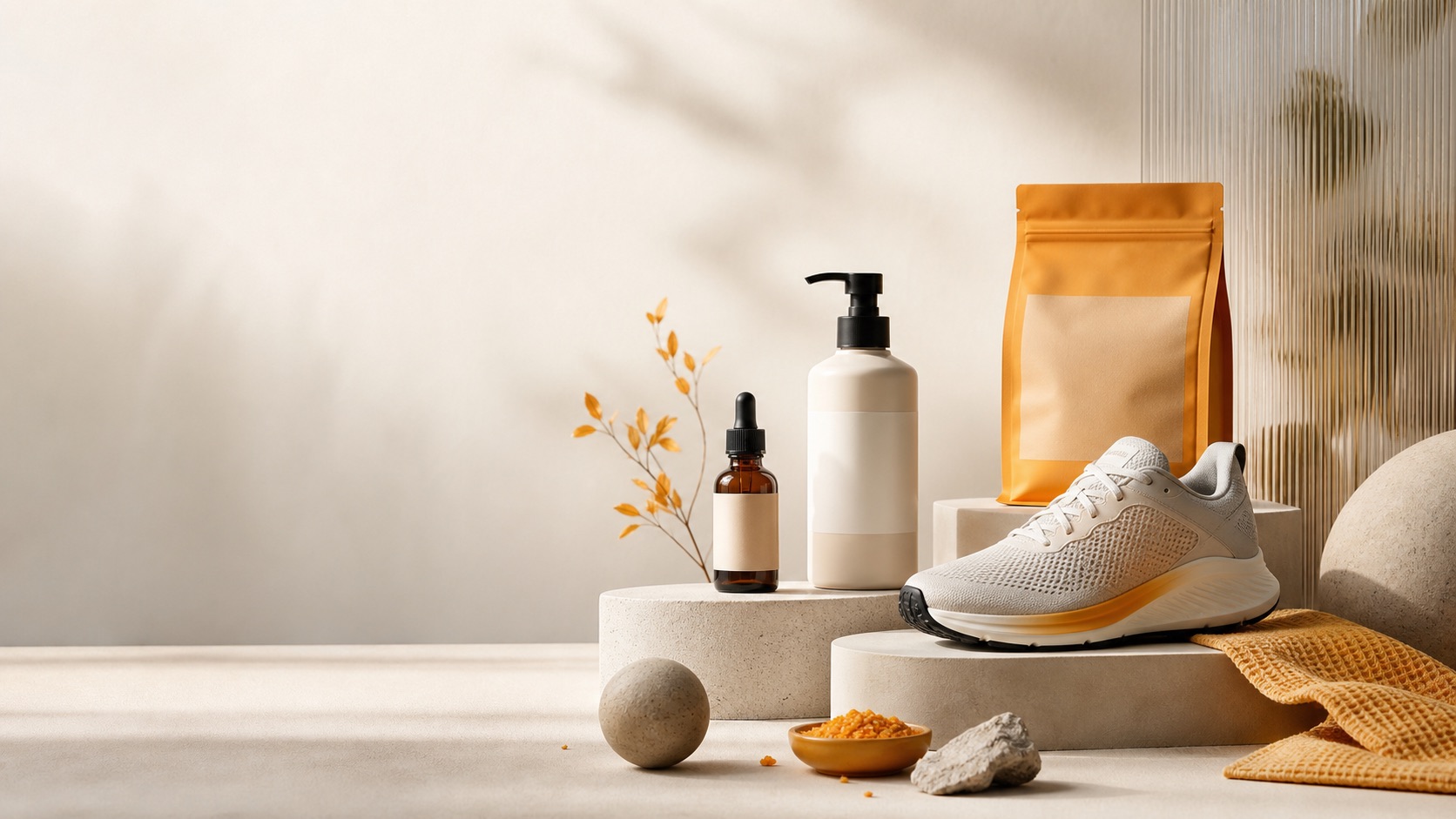
Image Generator
Prepare a product visual
Add a product reference and product background prompt before upload or credit use happens.
0 / 2000
Try a prompt:
A practical AI product image generator workflow
An AI product image generator is most useful when you already have a real product reference and need more visual directions than a single photo shoot can provide. The goal is not to replace human review or guarantee marketplace compliance. The goal is to help you explore product backgrounds, lighting, angles, and campaign moods faster. For small stores and creators, the expensive part of product content is often iteration. You may need a clean hero image, a lifestyle ad, a seasonal banner, a product background for a store section, and a few social post variants. Traditional product photography still matters for exact catalog shots, but AI can help draft marketing visuals before you spend time polishing the winner. If you searched for an AI product background generator, use this page as a reference-driven product background workflow. Upload the product, then describe the surface, room, props, lighting, color palette, shadow, and copy-safe space you want around it. This is different from a background remover: it helps draft new product scenes, but every result still needs human review for product accuracy. Try Banana AI starts from the same low-friction flow as the image-to-image tool. Choose a reference image before sign-in for local preview, write a prompt, and continue only when you are ready to generate. Upload, generation, credit use, saved assets, and checkout attribution happen after sign-in. That keeps the first step lightweight while preserving the product reference and prompt you selected. Use this AI product image generator when you need controlled creative variants: a perfume bottle on a marble counter, a skincare jar in soft morning light, a sneaker campaign image, or a clean product banner with room for copy. Review every result before publishing, especially if product shape, labels, packaging, or regulated claims matter.
Start from a product reference
Use a product photo or draft visual to anchor shape, material, and composition before asking for new scenes.
Explore campaign variants
Generate product-style directions for ads, banners, launch posts, and concept tests without restarting from a blank prompt.
Control spend with credits
Preview locally before sign-in, then see credit cost before generation starts.
Keep human review in the loop
Use outputs as creative drafts and verify product accuracy before publishing or uploading to stores.
Why use AI for product images
The best AI product image generator use case is not endless random art. It is faster exploration around a real product, a clear product background, and a clear commercial goal.
More visual directions per product
Try a studio shot, lifestyle background, seasonal mood, and social ad direction from the same product reference. This helps you decide what is worth polishing.
Better prompts for commercial visuals
Product prompts work best when they describe material, product background, lighting, composition, shadow, props, and negative space for copy. This page is built around that workflow.
A safer login moment
Visitors can prepare the product prompt and reference first. Sign-in appears before generation, credit spend, saved history, or checkout attribution.
How to create AI product images
Use this workflow for product-style creative drafts. It is designed for e-commerce, creators, and marketers who need faster visual testing.
Upload a clean product reference
Use the clearest available product photo. Plain backgrounds and visible edges usually make better references. Avoid starting from a blurry image if the product details matter.
Describe the commercial scene
Write a prompt such as: keep the bottle shape and label placement, place it on a warm marble bathroom counter, soft diffused morning light, premium skincare campaign, clean negative space on the right. For product backgrounds, describe the surface, depth, shadows, and props around the product.
Generate controlled variants
After sign-in, generate a small batch of directions. Change one variable at a time: background, lighting, props, palette, camera distance, or copy-safe space.
Review before publishing
Check product geometry, labels, packaging details, hands, reflections, and claims. Use the strongest result as a campaign draft or creative direction, then polish as needed.
AI product image generator features
Try Banana AI keeps the workflow focused on product references, prompt control, predictable credits, and saved outputs.
Reference-based product editing
Use image-to-image to keep the product anchored while changing scene, background, or lighting.
Prompt restoration
If sign-in is required, your prompt, selected file, and active image-to-image state are restored.
Local preview before sign-in
Choose a reference image locally before upload or credit use happens.
Transparent credit cost
See credit cost before generation so campaign testing stays predictable.
Product backgrounds and campaign scenes
Draft new product backgrounds for ads, social posts, store banners, product concepts, and creative briefs after human review.
History and downloads
Keep generated product drafts organized and download results from the same workspace.
Pricing
Start with a subscription or buy credits when you need them.
Starter
Includes
- 1,000 credits / month
- Advanced image + video models
- Image + Video generation
- Standard support
Creator
Includes
- 2,500 credits / month
- Advanced image + video models
- Image + Video generation
- Priority support
Agency
Includes
- 7,500 credits / month
- Advanced image + video models
- Image + Video generation
- Team-friendly usage
AI Product Image Generator FAQ
Answers about product references, prompts, accuracy, credits, and safe publishing.
Create product image variants
Start with a product reference, write a commercial scene prompt, and generate only when you are ready to spend credits.