AI Poster Generator for Fast Poster Drafts
Turn a poster brief into visual concepts for events, product launches, social campaigns, and creator announcements. Start with a prompt, test directions quickly, then refine the strongest draft.
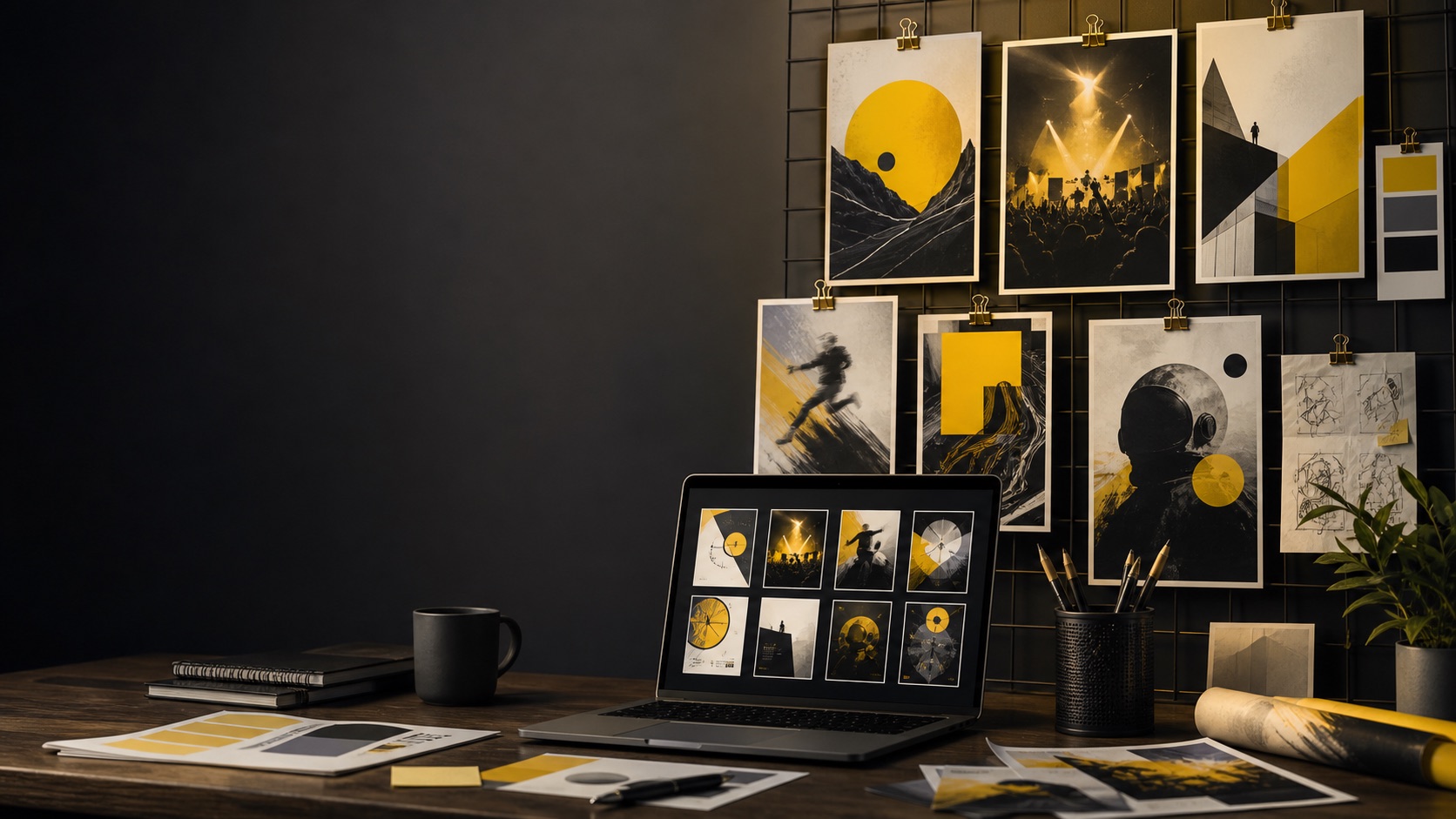
Image Generator
Start a poster prompt
Describe the event, audience, layout, mood, color palette, and text area. You can draft before signing in; generation and credits happen only when you continue.
0 / 2000
Try a prompt:
What an AI poster generator should help with
A useful AI poster generator is not just a random art machine. Posters have a job: grab attention, communicate one idea, and leave enough structure for text, dates, offers, or calls to action. Try Banana AI is best used for early poster direction. You can explore event styles, product launch visuals, social campaign concepts, film poster moods, sale graphics, and creator announcements without starting from a blank canvas. The page gives you a fast prompt-first workflow, transparent credits, and a path to keep iterating. For better poster results, write a brief instead of a vague style prompt. Mention the poster purpose, audience, subject, layout, format, mood, color palette, and the areas that should stay clean for text. If text must be exact, treat the generated image as a visual draft and add final typography in a design tool. That is the practical boundary: use AI to discover composition, mood, and visual direction faster. Use human review to fix typography, brand rules, product accuracy, legal claims, and final print requirements.
Event poster concepts
Draft visual directions for concerts, webinars, meetups, workshops, and local events.
Campaign visuals
Explore social campaign posters, launch graphics, sale concepts, and creator announcements.
Prompt-first workflow
Start with a clear poster brief, then iterate colors, mood, layout, and subject one step at a time.
Transparent credits
See the generation cost before spending credits, so poster exploration stays predictable.
Why creators use an AI poster generator
Poster work is often about testing directions before committing to a final design. AI can help you move faster when the goal is mood, composition, and campaign direction.
Get unstuck before design polish
When you only have a rough event or launch idea, poster generation can produce several visual directions quickly. This helps you decide whether the poster should feel bold, premium, playful, cinematic, minimal, or high-energy before spending time on final design.
Keep text areas intentional
Good poster prompts reserve clean areas for titles, dates, prices, or CTA copy. That matters because AI-generated text is not always reliable. Treat the image as the visual base, then add exact text in your design workflow.
Create variants for campaign testing
Once a direction works, change one variable at a time: color palette, lighting, subject angle, background, or level of contrast. This makes poster variations useful instead of random.
How to use the AI poster generator
Use this workflow to produce cleaner poster drafts and avoid wasting credits on vague prompts.
Define the poster job
Start with the purpose: event announcement, sale poster, product launch, film concept, social campaign, or community meetup. Mention the audience and the single message the poster should carry.
Specify layout and text space
Ask for a strong subject, background style, color palette, and clean space for headline or date text. If exact words matter, keep the generated image mostly text-free and add final typography later.
Generate several directions
Use a few focused prompts rather than one overloaded prompt. Compare mood, hierarchy, contrast, and readability at small size before choosing the best direction.
Refine the strongest draft
Keep the winning composition and adjust one thing at a time. Then export the image and finish exact text, logos, print specs, or platform sizing in your design tool.
AI poster generator features
Try Banana AI keeps poster generation focused on practical creator workflows: prompt drafts, clean layouts, predictable credits, and reusable results.
Text-to-poster drafts
Generate poster concepts from a clear brief about subject, audience, layout, mood, and colors.
Event and campaign prompts
Create directions for launches, webinars, concerts, sales, creator announcements, and social posts.
Layout-aware prompting
Reserve headline space, date areas, or product zones so the result is easier to finish.
Variant exploration
Test color palettes, backgrounds, lighting, and visual mood while keeping the same poster idea.
Credit-based generation
Know the cost before generating and use subscriptions or packs when you need more volume.
History and downloads
Keep useful poster drafts, reuse prompts, and download images for final design review.
Pricing
Start with a subscription or buy credits when you need them.
Starter
Includes
- 1,000 credits / month
- Advanced image + video models
- Image + Video generation
- Standard support
Creator
Includes
- 2,500 credits / month
- Advanced image + video models
- Image + Video generation
- Priority support
Agency
Includes
- 7,500 credits / month
- Advanced image + video models
- Image + Video generation
- Team-friendly usage
AI Poster Generator FAQ
Clear answers about poster prompts, text, credits, downloads, and commercial review.
Create your next AI poster draft
Write a focused poster brief, generate visual directions, and turn the best draft into a finished campaign asset.