
AI Wallpaper Generator for Custom Phone and Desktop Backgrounds
Turn a mood, scene, color palette, or aesthetic into wallpaper drafts for phones, desktops, tablets, and social backgrounds. Start with a prompt, compare directions, then refine the strongest image.
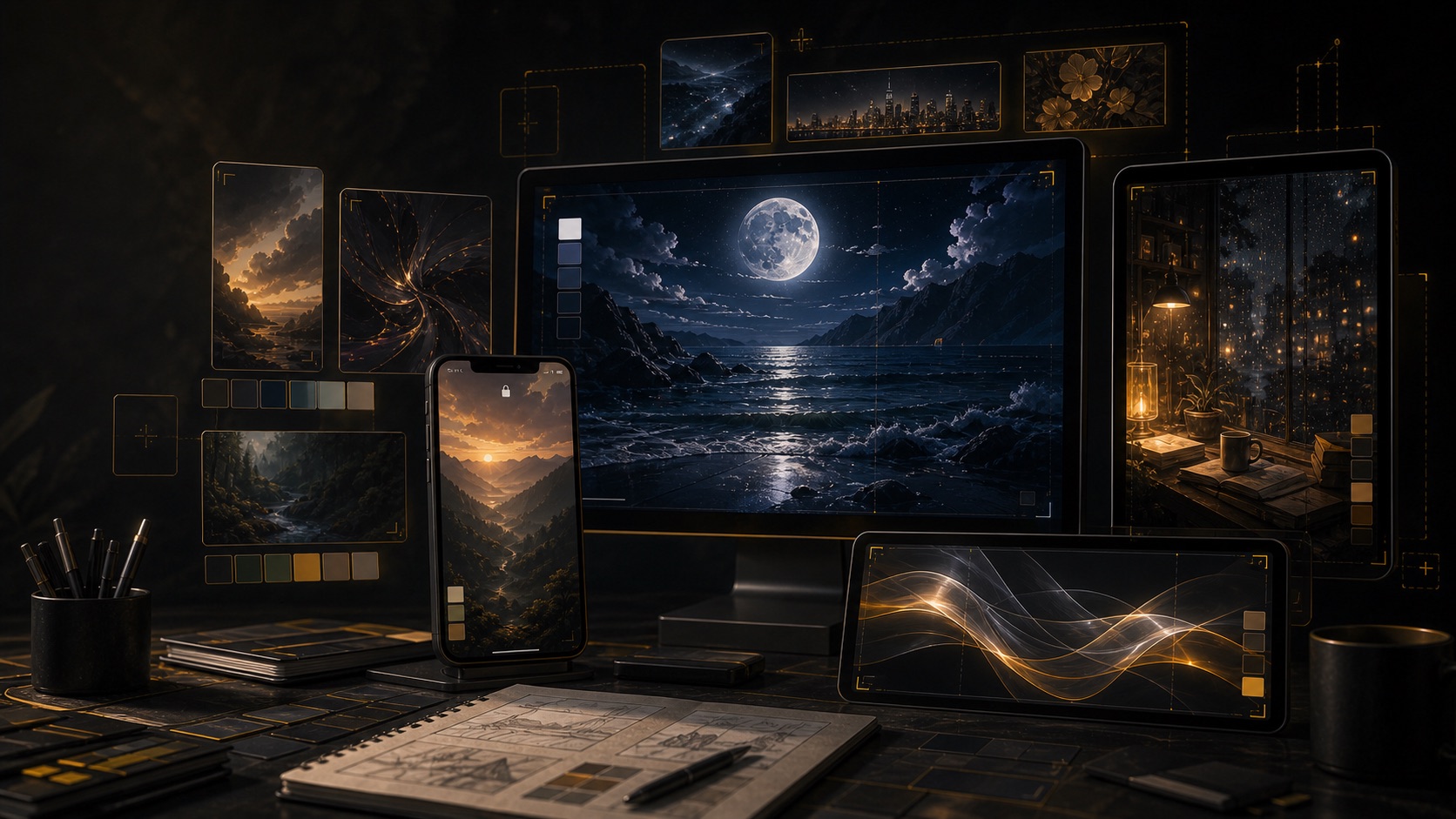
Image Generator
Start a wallpaper prompt
Describe the device use case, mood, palette, subject, style, lighting, and framing. You can draft before signing in; generation and credits happen only when you continue.
0 / 2000
Try a prompt:
What an AI wallpaper generator should help with
A useful AI wallpaper generator helps you create a background that matches a device, mood, theme, or personal style instead of searching through generic wallpaper packs. The job is simple: turn a visual idea into a custom image draft that can become a phone wallpaper, desktop background, tablet lock screen, profile backdrop, or social banner. Try Banana AI works best as a prompt-first AI wallpaper generator online. You can describe a scene, color palette, subject, lighting style, camera framing, and intended screen. The generator helps you explore several directions quickly, then you can save the prompt, download the result, or use a reference image workflow to refine a stronger draft. For better wallpaper results, write the prompt like a visual brief. Mention whether the image is for phone, desktop, tablet, or a social background. Add the desired atmosphere, dominant colors, subject placement, empty space, and whether text should be avoided. Phone wallpapers usually need a clean focal point and vertical-friendly composition, while desktop wallpapers can use wider scenery or stronger side-to-side depth. The boundary matters: this page creates still wallpaper image drafts. It is not a wallpaper engine, live wallpaper app, background remover, automatic 4K upscaler, or exact device-size cropper. Use it to generate a strong visual direction, then crop, resize, or polish the final file if your device or platform needs a precise size.
Custom wallpaper drafts
Create prompt-based backgrounds for phones, desktops, tablets, lock screens, and social profiles.
Mood and palette control
Guide color, lighting, texture, subject placement, and atmosphere with plain language.
Device-aware prompts
Specify phone, desktop, tablet, or banner use so the prompt can guide composition and empty space.
Transparent credits
See generation cost before spending credits, so wallpaper exploration stays predictable.
Why creators use an AI wallpaper generator
Wallpapers are small personal surfaces, but they are hard to find when you want a specific color, theme, mood, or layout. AI helps you make that background instead of settling for something close.
Create the exact mood you want
Generate calm, dark, pastel, cyberpunk, anime, minimal, nature, abstract, or cinematic wallpaper directions from one prompt. This is useful when a stock wallpaper is almost right but not personal enough.
Design around the screen
Ask for negative space behind app icons, a centered subject for lock screens, or a wider scene for desktop backgrounds. The prompt can guide composition before you crop or resize.
Reuse strong prompt formulas
Once a prompt creates a good wallpaper style, keep the structure. Swap the subject, color palette, season, or device use case to generate a matching set.
How to use the AI wallpaper generator
Use this workflow to get cleaner wallpaper drafts and avoid spending credits on vague aesthetic tags.
Choose the screen and purpose
Say whether you need a phone wallpaper, desktop background, tablet lock screen, profile backdrop, or social banner. The screen context changes the best framing.
Describe mood, palette, and subject
Add the atmosphere, dominant colors, subject placement, depth, lighting, texture, and whether text or logos should be avoided.
Generate focused variations
Change one variable at a time: color, season, focal point, style, lighting, or empty space. This makes wallpaper options easier to compare.
Refine, crop, and download
Save the strongest prompt and image. Use reference-based editing for controlled changes, then crop or resize the download for your final device size.
AI wallpaper generator features
Try Banana AI keeps wallpaper generation focused on practical creative work: prompt drafts, style exploration, reference refinement, and predictable credits.
Text-to-wallpaper drafts
Create still wallpaper image ideas from prompts about mood, subject, palette, lighting, and screen use.
Phone and desktop directions
Draft vertical-friendly lock screens, wider desktop backgrounds, tablet images, and social backdrops.
Aesthetic style testing
Explore minimal, abstract, anime, nature, sci-fi, dark, pastel, cinematic, or cozy wallpaper styles.
Reference-based refinement
Use a saved wallpaper draft as a reference when you want a similar mood with better colors or composition.
Credit-based generation
Know the cost before generating and use subscriptions or packs when you need more wallpaper variations.
History and downloads
Keep useful wallpaper drafts, reuse prompts, and download images for cropping or device setup.
Pricing
Start with a subscription or buy credits when you need them.
Starter
Includes
- 1,000 credits / month
- Advanced image + video models
- Image + Video generation
- Standard support
Creator
Includes
- 2,500 credits / month
- Advanced image + video models
- Image + Video generation
- Priority support
Agency
Includes
- 7,500 credits / month
- Advanced image + video models
- Image + Video generation
- Team-friendly usage
AI Wallpaper Generator FAQ
Clear answers about wallpaper prompts, device sizes, free drafting, credits, and content boundaries.
Create your next AI wallpaper draft
Write a focused wallpaper prompt, generate custom visual directions, and refine the strongest image for your device or creative project.